n8n for Small Business: Automate the Busywork Without a Developer
You do not need to hire a developer to stop retyping the same details into different apps. Here is how n8n lets a non-technical small business owner automate the busywork - and why n8n Cloud is the no-setup place to start.
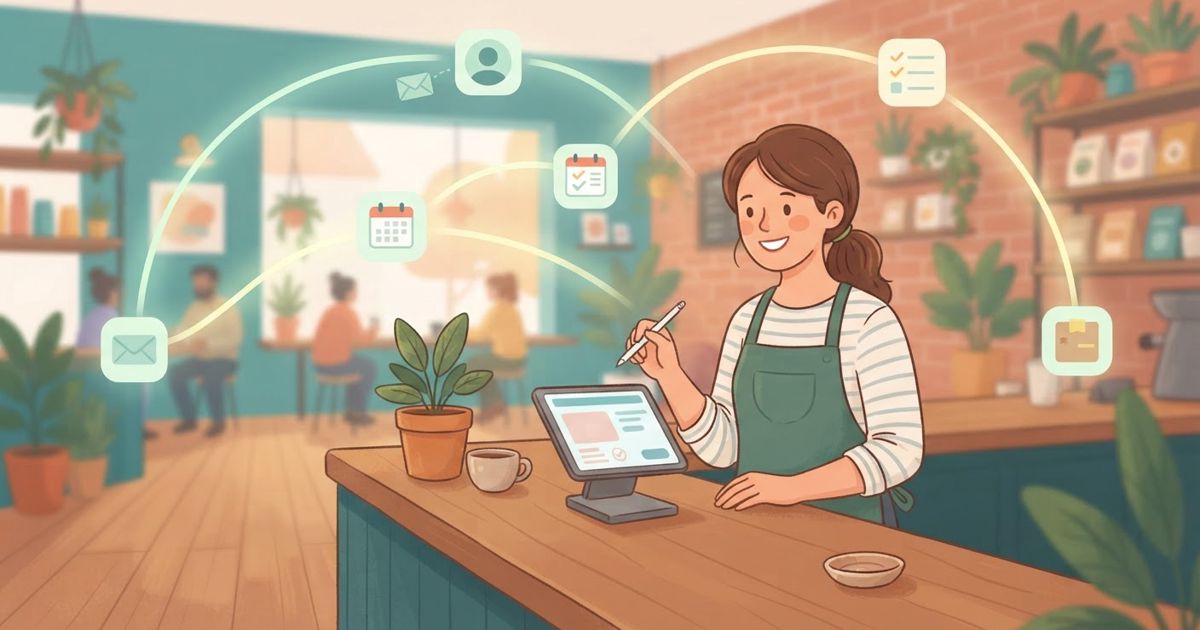
Table of contents
Most small business owners are not short on things to do — they are short on hours. And a surprising amount of those hours go to work that a computer could handle: retyping the same details into different apps, sending the same reminder emails, updating a spreadsheet every time something happens. The frustrating part is that "get a developer to automate this" has always sounded expensive and out of reach.
It isn't anymore. n8n is an automation tool designed so that non-technical people can connect their apps and let repetitive tasks run themselves — no coding required for most of it. If you have ever wished you could clone yourself for the boring parts of the day, this is the closest thing to it.
What automation actually means here
Think of an automation as a simple "when this happens, do that" rule — just more powerful. When a customer fills out your contact form, then add them to your email list and send a welcome note. When it is Monday morning, then email me a summary of last week's sales. When someone leaves a review, then post it to our team chat so we can respond fast.
n8n lets you build these visually. You drag boxes (called nodes) onto a canvas, connect them in order, and each box represents one app or one step. There is no code to memorize; you are describing a process the way you would explain it to a new hire.
The busywork worth handing off first
You do not need a grand plan. Look at your week and find the tasks that are repetitive, predictable, and follow the same steps every time — those are the ones a computer does happily. Common wins for small businesses:
- New enquiries flowing automatically from your website into your contact list, with an instant alert so nothing slips through.
- Follow-up and reminder emails that send themselves — appointment confirmations, overdue invoices, "we miss you" nudges.
- Sorting incoming messages so support questions, sales enquiries, and spam each go where they should.
- Routine reports compiled and emailed to you on a schedule instead of you exporting and copying numbers by hand.
- Backups of your important files and data, running quietly in the background.
A good test: if you find yourself doing the exact same clicks more than a few times a week, it is a candidate for automation.
The no-setup option: n8n Cloud
Here is the part that matters most if you are not technical. You do not have to install anything or manage a server. n8n comes in a managed version called n8n Cloud, where the software runs for you in the background. You just log in through your browser, connect your apps, and start building. Updates, uptime, and the technical plumbing are handled for you.
There is also a self-hosted option — running n8n on your own server — which some businesses prefer for full control over their data. But that path involves setup and ongoing maintenance, so it is better suited to people who are comfortable with servers or have someone technical on hand. For most small business owners starting out, the Cloud version removes every excuse: nothing to install, nothing to break. If you are curious about the self-hosting route later, it is the same family of tools as the apps you can self-host on a VPS.
A realistic way to start
Automation feels intimidating until you build the first one. Keep it small:
- Pick one annoying task. The single thing you retype or resend most often. Just one.
- Map it out in words. "When a form is submitted, add the person to my list and email them." If you can say it, you can build it.
- Build it in n8n and test it. Send yourself a test submission and watch it work end to end before you rely on it.
- Let it run, then add the next one. Once you trust it, move to the next task. Automations stack up quickly once you get the hang of the pattern.
Do not aim for a fully automated business in week one. Aim to delete one recurring chore from your calendar. Then another.
When to get help
The honest truth: most everyday automations are within reach of a determined non-developer, especially on n8n Cloud with its visual editor and templates. But there are moments to bring in someone technical — when a workflow touches sensitive customer data, connects to a system without a ready-made integration, or becomes complex enough that a mistake would be costly. Getting an hour of expert help to set up the tricky 10 percent is money well spent, and you can still manage the day-to-day yourself afterward.
The payoff
The businesses that feel effortlessly organized are rarely the ones working hardest — they are the ones that quietly automated the busywork so the humans could focus on customers. You do not need a developer, a big budget, or a technical background to join them. You need one repetitive task and an afternoon.
Start there. Automate the thing you dread doing, let it run, and give yourself back the hours.
If part of the goal is also spending less on the tools you use, it is worth reading how to stop paying for tech subscriptions you forgot about — and if the jargon around all this ever trips you up, keep these 40 plain-English tech definitions handy.